Unblur Video Online — Free AI Tool
Drop videos or images to upscale
Batch select MP4, MOV, WebM, PNG, JPG, or WebP files. The queue runs one by one in this browser and creates downloadable 2x results.
Unblur Every Type of Blurry Video with AI
From motion blur to compression artifacts — our AI handles it all. Unblur video in one upload, get a sharp, clear result back.
Motion Blur Removal
Unblur video from handheld and action footage automatically. Our AI detects camera shake and fast movement frame by frame, reconstructing edge detail that motion blur smeared away. Perfect for sports clips, travel vlogs, and handheld recordings.
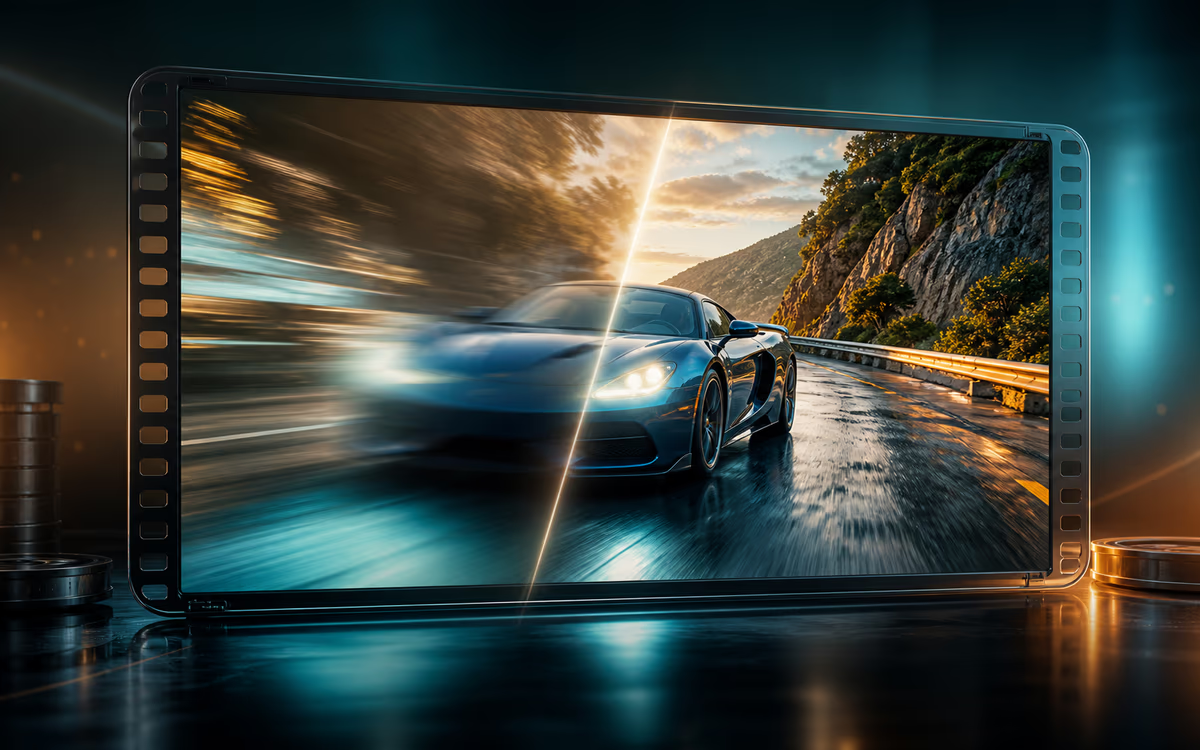
Focus Blur Correction
Unblur video with focus issues — no re-shooting needed. When autofocus misses or the subject moves, our AI restores sharpness to faces, text, and key details, turning soft, unusable footage into clear, watchable content.
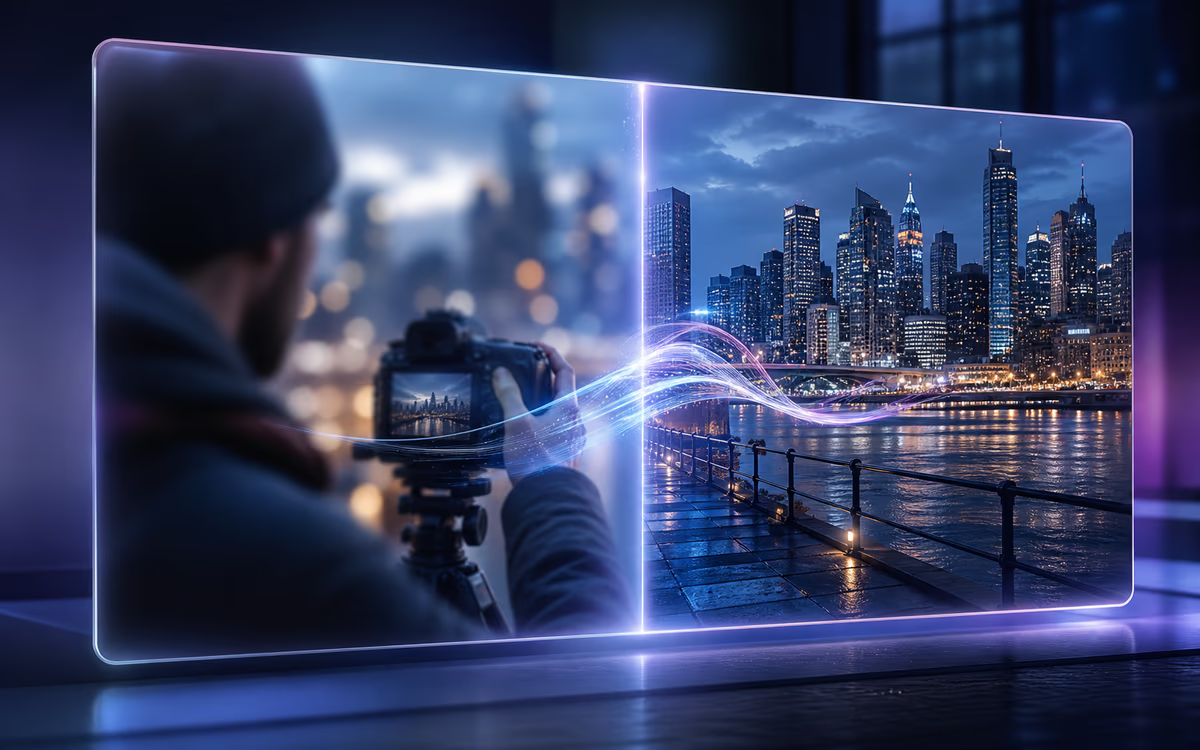
Compression Artifact Restoration
Restore quality lost to platform compression. TikTok, Instagram, and YouTube all compress uploads — we reverse that damage. Your unblurred video comes out sharper than what the platform shows, before you re-upload or share.
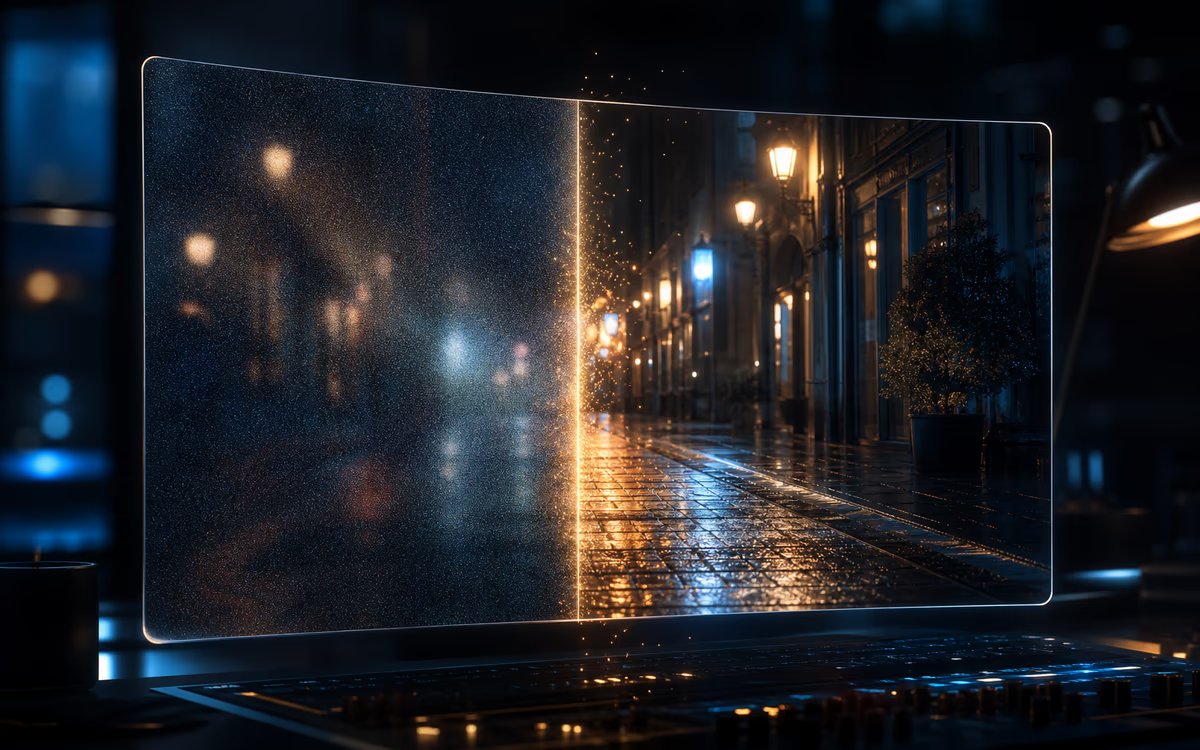
Low-Light & Noise Cleanup
Unblur video shot in low light — make dark, grainy footage watchable. Low-light recordings often combine blur with noise — our AI reduces both simultaneously, brightening shadows while preserving natural skin tones and textures.
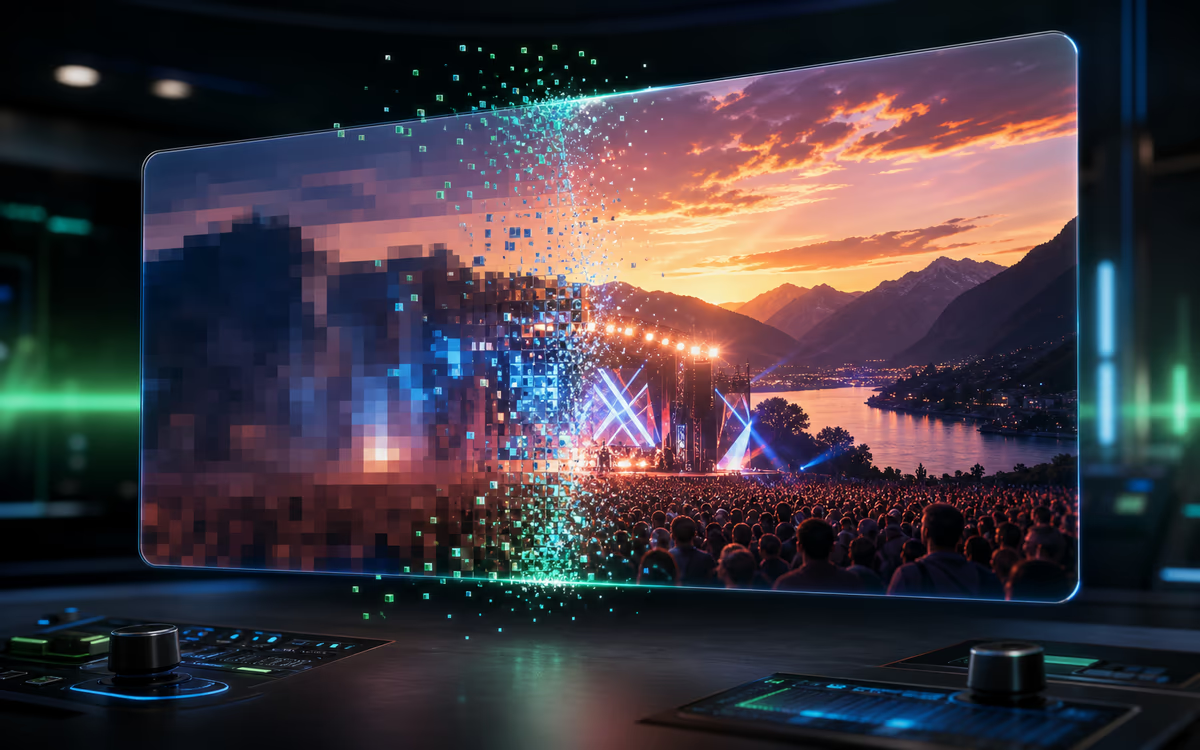
Old Video & Pixelation Recovery
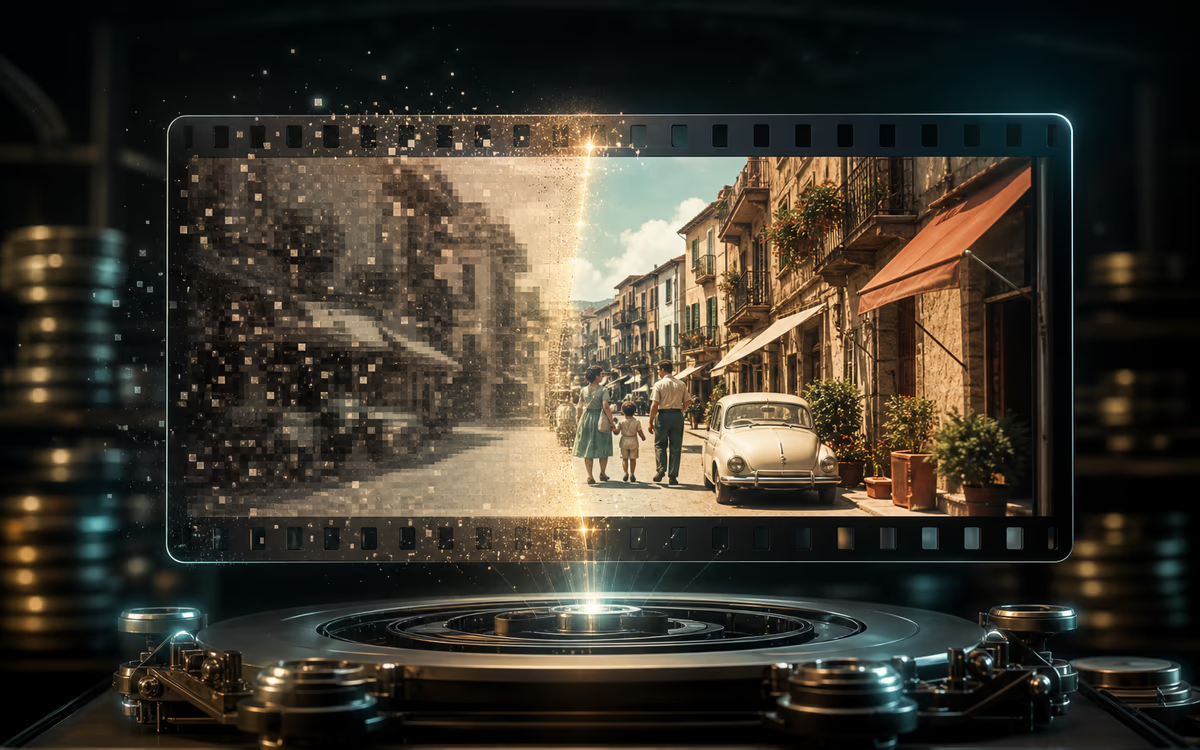
Depixelate and restore old, low-resolution recordings. Whether it is an old DV tape, a compressed phone clip, or a pixelated video from years ago — our AI reconstructs missing detail and brings it back to life.
How to Unblur a Video in 3 Steps
No editing skills needed. No software to download. Just upload, unblur, and download.
1. Upload Your Blurry Video
Drag and drop your file or click to upload. We support MP4, MOV, AVI, MKV, WEBM, and more. Your video is processed securely — no account needed.
2. AI Automatically Unblurs It
Our AI analyzes every frame individually, identifies the blur type — motion, focus, compression, or low-light — and unblurs each frame with the right correction. No manual settings, no learning curve.
3. Preview, Download & Share
Compare the before and after side by side. When you are satisfied, download your unblurred video. Ready to share on YouTube, TikTok, Instagram, or anywhere else.
Who Uses Our Unblur Video Tool
Whether you are a creator, a business owner, or just someone with blurry memories — we have got you covered.
Social Media Creators
You shot a great clip but it looks soft after uploading. Unblur video with our AI tool and publish a version that stays sharp on every screen. Works for Reels, Shorts, and Stories.
E-Commerce Sellers
Product videos with soft focus hurt conversions. Upload, let AI unblur the video and restore detail on packaging and label text. Publish sharper product videos in minutes — no reshoot needed.
Video Editors & Teams
Client footage often arrives blurry. Unblur video before it hits the timeline and get a clean, sharp starting point without asking for a reshoot or spending hours in post.
Old Video Restoration
Old camcorder tapes and early phone videos do not age well. Our AI unblurs those blurry memories — restoring faces, places, and moments you thought were lost to low resolution.
Online Course Creators
Older tutorial recordings look soft next to your newer content. Unblur video across your entire library and bring every lesson up to a consistent, clear standard that keeps students engaged.
Why Choose Our Unblur Video Tool
Real differences that matter when you need to unblur video fast and free.
All Blur Types in One Tool
Motion blur, focus blur, compression, low-light — upload once and our AI unblurs them all automatically. No need to pick a mode.
Frame-by-Frame AI, Not a Global Filter
Every frame gets individual analysis for consistent sharpness across fast scenes and slow pans alike. No one-size-fits-all result.
Truly Free. No Catch.
No signup, no trial credits, no watermarks, no daily limits. Just upload and unblur your video — that is the whole product.
Why Our Unblur Video Tool Stands Out
A focused free tool that uses AI to unblur video with real clarity improvement — no account, no limits.
All Blur Types. One Tool.
Motion blur, focus blur, compression artifacts, low-light grain — upload once and our AI unblurs them all. No need to figure out what is wrong first or pick a mode.
Frame-by-Frame Processing
Each frame gets analyzed individually, so fast scenes, slow pans, and still shots all get the right correction — not a one-size-fits-all sharpening filter.
No Account. No Limits.
Start immediately without signing up. Unblur video freely with no trial credits, no daily caps, and no practical usage restrictions.
Built to Unblur Video in Every Scenario
Bring a blurry video, unblur it with AI, and get a cleaner clip — all from your browser.
AI-Powered Enhancement
Advanced AI analyzes each frame to reconstruct lost detail and unblur video naturally.
Privacy Protected
Your videos are processed securely and automatically deleted afterward. We do not store or share your content.
Browser-Based
No software to download or install. Unblur video directly on desktop and mobile browsers.
Fast Processing
Upload, unblur, and download a clearer video in just a few minutes.
What Does It Mean to Unblur Video — and How Does AI Make It Possible?
To unblur video means restoring sharpness and clarity to blurry, soft, or pixelated footage. It fixes common problems like camera shake, missed focus, platform compression, and low-light graininess — turning footage that looked unusable into clean, watchable video. Unlike traditional editors that only sharpen edges by increasing contrast between pixels, AI video unblurring analyzes each frame individually, identifies what caused the blur, and reconstructs the missing detail. The result is sharper, clearer footage that looks natural — not artificially processed.
Frequently Asked Questions
How does AI unblur a video?
Is it really free to unblur video online?
Do I need to create an account or sign up?
Are there any usage limits or watermarks?
What types of blur can this tool fix?
What video formats are supported?
How long does it take to unblur a video?
Is my uploaded video safe and private?
Can I unblur old videos from years ago?
Does unblurring affect audio or other video elements?
Ready to Unblur Video?
Upload your blurry video and let AI unblur every frame. Free. No signup. No watermark.